Getting started All plans
From a new account to your first direct booking: trial, property set-up, rooms, rates, the booking link, and who does what.
Updated 2026-10-15
Start the free trial
Sign up at travel404.com/register with the email you use for the property. The first 14 days are a free trial of every Complete feature; nothing is charged and no card is asked for. During the trial you pick a plan from Admin›Plan whenever you like; when the trial ends without a plan the property drops to Essentials and keeps working.
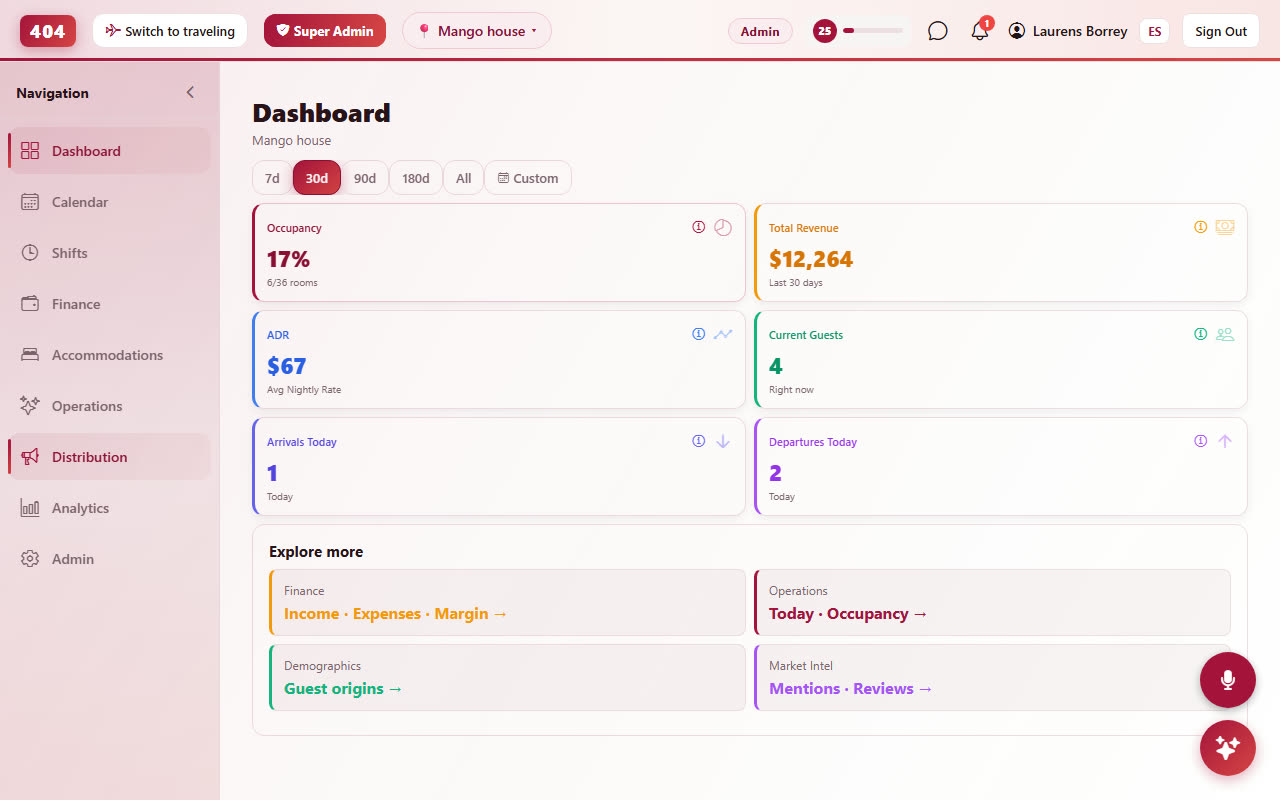
One account can run several properties. Each property has its own rooms, rates, booking page, team and plan; you switch between them with the property picker at the top of every page.
Moving from another system
If you already run a hostel or coliving on another PMS, ask for the Free Assisted Transition on host.travel404.com. You send us an export (or just your room list and upcoming bookings) and we load rooms, rates, guests and bookings for you, check prices against your old system and send you a report before you switch the booking page on. There is no charge for this.
Imported bookings keep their original reference and price. Guest stays and amounts paid shown on guest cards are computed live from the bookings, so imported history counts the day it lands.
The set-up order that works
- Property details. Property›Settings: name, address, currency, timezone, check-in and check-out times, date format. Everything else inherits these.
- Rooms. Accommodations›Rooms: create room types (a 6-bed dorm, a private double) and the physical rooms or beds inside them. See Rooms & room types.
- Rates. Accommodations›Rates: a base nightly price per room type, then seasons, length-of-stay discounts and minimum stays. See Rates.
- Booking page. Distribution›Booking Engine: logo, colours, deposit rule, cancellation policy, your questions for guests. Copy the link or QR code from the Overview tab. See Booking engine.
- Channels. Distribution›Channels: connect Booking.com, Hostelworld, Airbnb and others through Channex so availability and prices stay in sync. See Channel manager.
- Team. Admin›Users: invite staff and volunteers, give each a role. See Team & permissions.
- Guest emails. Operations›Communications: confirmation, pre-arrival and check-in emails, in English and Spanish. See Communications.
Pick a plan
Plans decide which parts of the app are open for a property. Locked pages stay visible in the sidebar with a lock icon so you can see what an upgrade adds; clicking one opens the plan chooser. Upgrades apply immediately, downgrades at the end of the paid period. Details and the full table: Plans.
Getting help
Support is human. WhatsApp +52 967 194 2006 or email [email protected]. When something looks wrong, a screenshot plus the booking reference (the 404-XXXXXX code on every booking) is the fastest way to a fix.