Your account, data & backups All plans
Profile and handle, downloading or deleting your data, privacy choices, what the app backs up and for how long, and how a mistake is undone.
Updated 2026-10-15
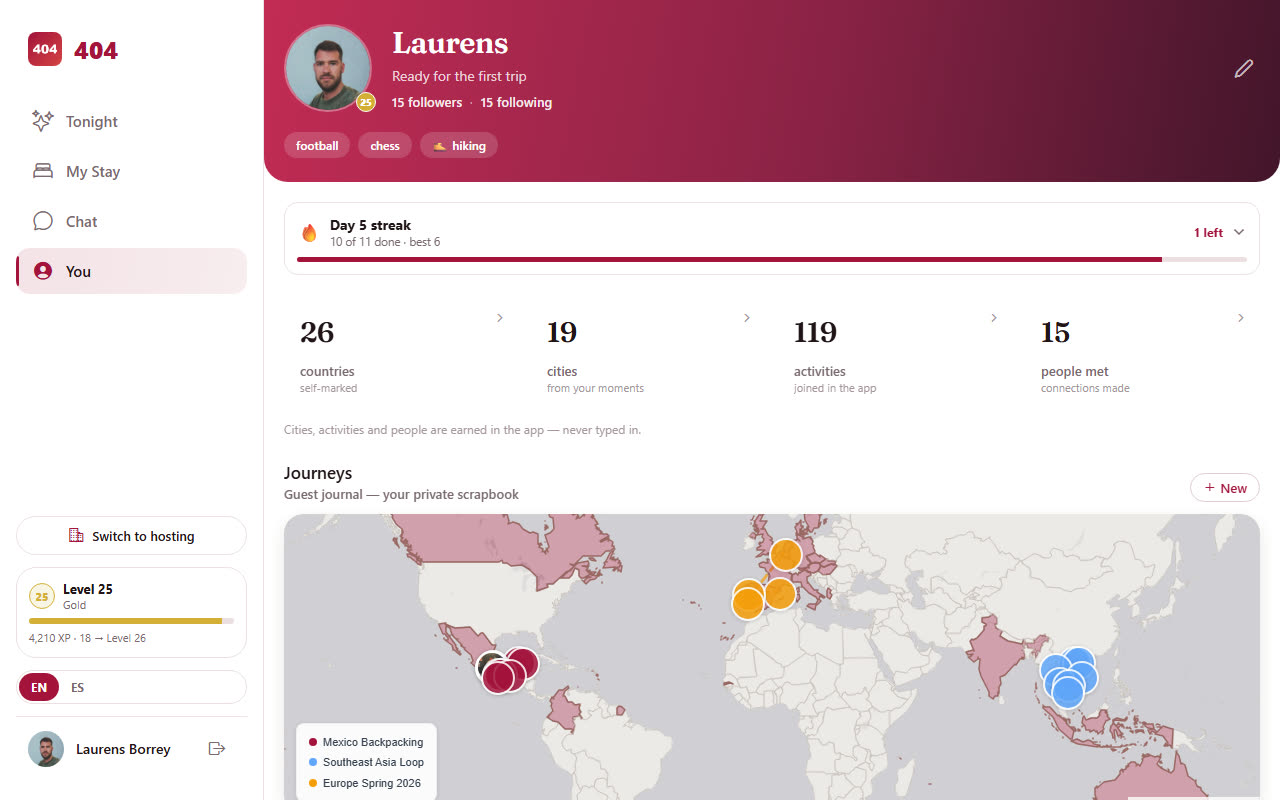
Profile and handle
You›Edit profile in the app, or the avatar menu on the web. Name, photo, bio, home country and city, languages, traveler type, Instagram, and the handle that makes your public page travel404.com/u/handle. Handles are 3 to 24 characters, letters, digits, dots and underscores; the field checks live whether it is free. Staff accounts have the same profile; what strangers see is chosen under Privacy.
Privacy choices
- Location sharing (off by default) lets friends see which city you are in, never a precise position. Show me on the Live Map additionally shows a minimal card to travelers in the same city; it needs location sharing.
- Verified-only: People and Explore show other travelers only after your email is verified, and only verified guests appear as "at the house tonight".
- Marketing consent is yours to give or withdraw on the check-in form or by asking the property; nothing else can set it.
- Travel 404 is for adults: accounts are 18+, in the app stores and in the terms.
Download or delete your data
You›Account: Download my data produces a JSON file with everything stored about you (profile, stays, messages you sent, activity signups, consent history). Delete account asks for your password and removes the account and sends a confirmation email; bookings stay with the properties as their accounting records. A deleted account cannot be restored.
Hosts: guest records belong to the property. Pull a guest list through the Partner API (/guests, JSON) or ask us for a one-off CSV; deleting a guest record is done per guest from their card and keeps the financial lines.
Sign-in and security
Email and password, or Google sign-in (web and native). Biometric unlock on the phone is optional under Account. Sessions are per device; signing out on one device does not sign out the others. Staff access is per property and per role; removing someone from a property revokes it immediately, see Team.
Backups and undoing mistakes
| Layer | Keeps | Restores |
|---|---|---|
| Database point-in-time | Every moment of the last 7 days | Any second in that window, as a separate copy we read from |
| Nightly snapshot | 90 daily copies, then one per month forever | Any table, any day, as a copy we read from |
| Booking history | Forever | Every change to a booking is on its History tab with who did it and when |
Restores are surgical: we never write a backup over the live database. We copy back only the fields that are blank now and had content then, so a restore cannot undo something you changed after the copy was taken. Deleted bookings and transactions are kept with a deleted flag, which is why "I removed it by mistake" is usually a one-line fix; write to us with the booking reference and the time.
Getting help
WhatsApp +52 967 194 2006, email [email protected], or book a 30-minute call. Include the property name and, for a booking, its reference; for a screen that misbehaves, a screenshot and whether it was the app or the web.