Finance
Every penny that moves through the property — income, expenses, transfers between accounts — lives in Finance. Tight enough for a daily cash count, deep enough for a year-end review.
Three tabs
Transactions
Every income and expense, searchable and filterable. The day-to-day view.
Treasury
Balances across every money source plus the full history of transfers between them.
Reports
Aggregate analytics — revenue, expenses, net flow over days, weeks, months.
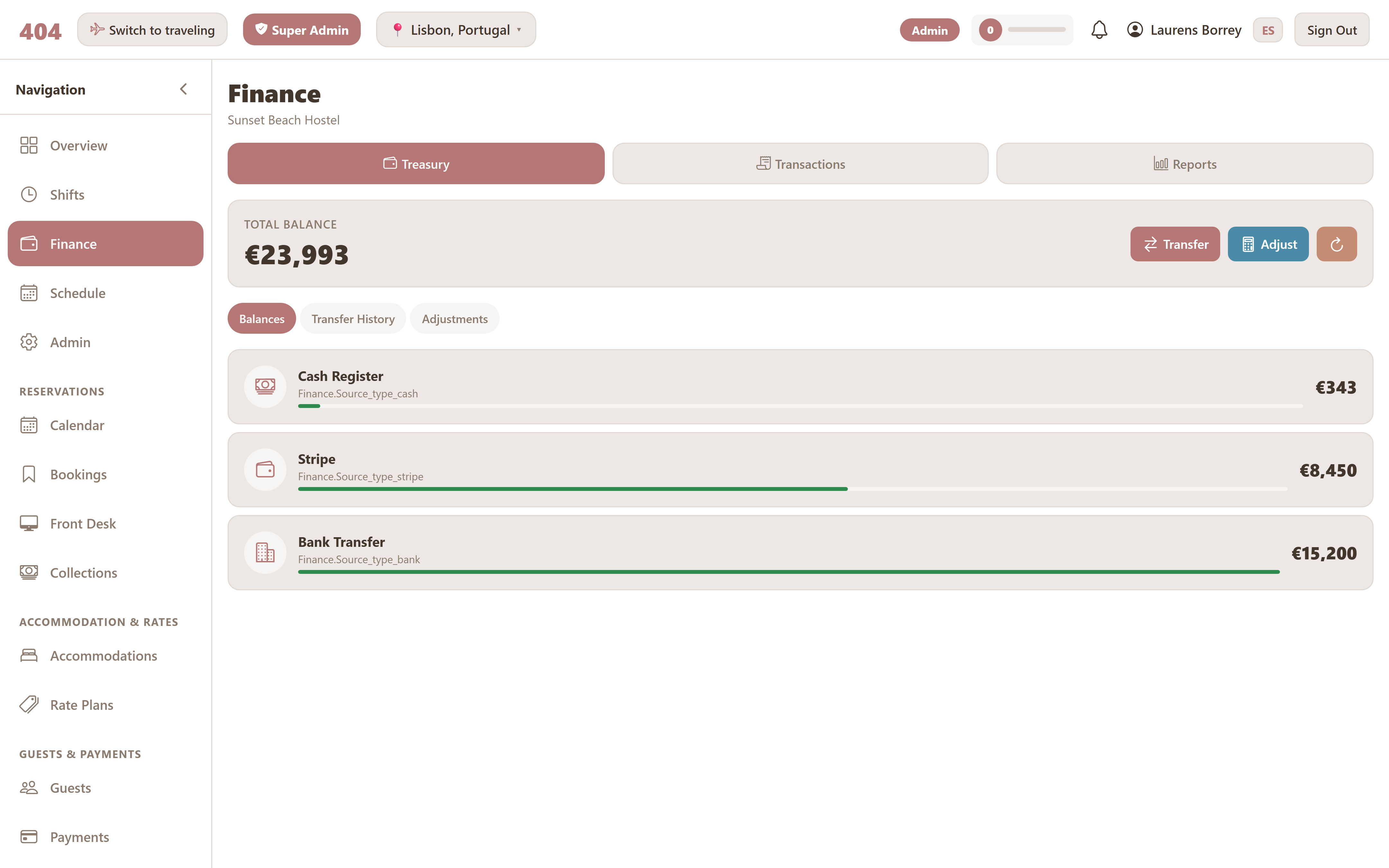
Money sources
A money source is anywhere money can sit: a cash register, a bank account, a card-payment processor, a mobile-money account, a petty cash tin. Every transaction lands on exactly one money source, and every transfer moves between exactly two.
Money sources are configured per property in Admin → Money Sources. Each has a name, a type (cash, bank, card, mobile, other), and visibility settings that control which roles can see its balance.
Transactions
A transaction is one entry on the books — income or expense. Adding one requires:
- Amount — positive number. The direction is determined by the income/expense toggle.
- Description — a short note explaining the transaction.
- Category — the bucket it belongs to (required; see below).
- Money source — where the money came from or went to.
- Date — defaults to today; can be back-dated for catch-ups.
If the user has an active shift when they add the transaction, it's automatically attached to the shift — affecting both the shift's cash reconciliation and the per-shift transaction list.
Categories
Categories are how transactions are grouped for reporting. They're defined per property in Admin → Categories — you can name them whatever fits the way you actually run the place.
- Each category has a type (income or expense), so a single category can't be on both sides.
- Categories can be deactivated rather than deleted — existing transactions keep referring to them.
- If a category is hard-deleted, every transaction that used it becomes Uncategorized; the transactions themselves are preserved, only the link is removed.
- Category is required when creating or editing a transaction — both in the UI and at the API level.
Transfers
A transfer moves money from one source to another in a single action — both sides recorded automatically. Common cases: depositing the night's cash into the bank, splitting a card payout across multiple accounts, refilling petty cash from a register.
Transfers are gated by the Create/Edit Transfers permission. The same permission also controls the per-shift transfer list — without it, the list comes back empty even after a transfer is made.
Balance adjustments
Sometimes the system thinks a money source has one amount and the physical count says something else. Balance adjustments let a manager correct the system balance to match reality, with a mandatory reason for the audit log.
Unlike transactions, balance adjustments don't go into income / expense reports — they're treated as corrections, not flow. The audit log keeps the before/after values so any later question of "wait, why did this jump?" has an answer.
Reports
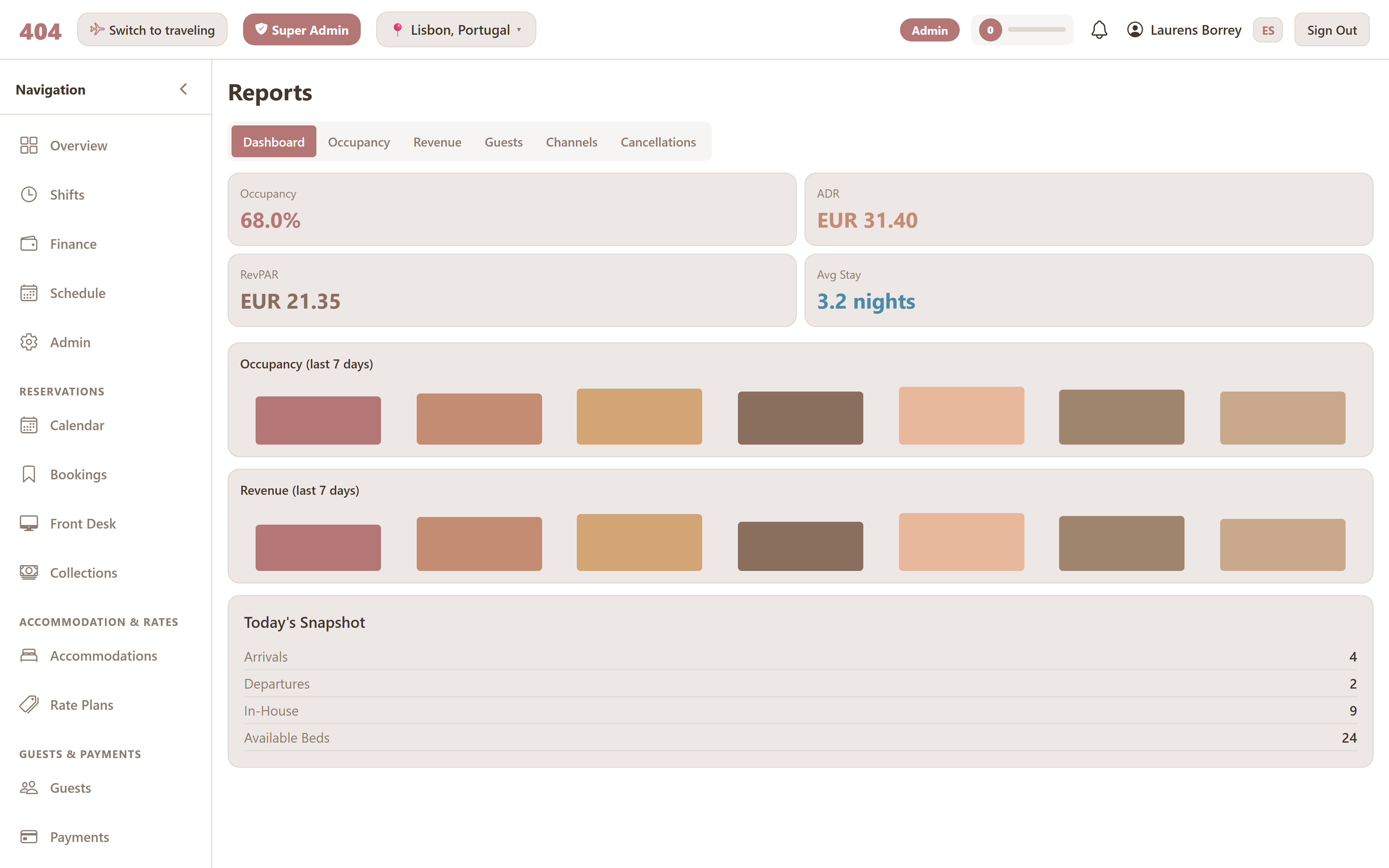
The Reports tab aggregates the transaction history into views that matter at a strategic level:
- Income vs expenses over time (day, week, month, custom range)
- Breakdown by category
- Breakdown by money source
- Net flow trend
Exports to CSV or PDF require the Export Reports permission and are useful for accountants and external sharing.
Cash drawer vs Net flow
On the Shifts page, two related but distinct numbers appear:
Cash drawer
Only physical cash movement on the shift's primary money source. Used to reconcile what staff counts at the end.
Net flow
Every transaction on the shift across every money source — cash, card, transfer, anything. The full picture of what moved.
The two numbers can differ a lot in any property that takes mixed payment methods, which is why both are shown side by side. The Cash drawer number is what gets reconciled against the end-of-shift count; Net flow is just informational.